We have uploaded 6 of the Rachel’s via DataPost.
These 6 are in Belize City.
I see that the data is uploaded.
How do I get access to the detail data?
I can only see the summary page?
hi @Stjerne - we’re working on refreshing the data view of devices. any suggestions on what other data is most useful to you?
Hi Jeremy, thanks for responding
We have Rachel’s active in quite a few schools deployed over 3 years.
I look at the device page on Datapost and see the simple stats which
are use full.
Our biggest concern is motoring to make sure the Rachel’s are still being used.
I can’t tell from the data the time frame of usage. It would be use full to have a time dimension on the statistics.
Also when I try editing the device, I get the verification email, click on it and it take me back to device page, I don’t see any place to edit any info. Hit the edit button page again and seem nothing happens.
I would like to be able to add a description to the device, for example the School name.
Thanks
1 Like
@Stjerne - I added a small time usage chart which breaks down MB of data transferred over the last year in 3 month segments.
Also for editing the device when you click the email link the edit is all the way at the bottom. I’ll move that up, but please let me know if it works for you?
The time frame is help full.
I tried editing again, this time the edit feature appeared at the bottom
of the page.
I changed the name of the Rachel
SAVE failed no picture
Added a picture
SAVE failed no reason?
This is all good, we are trying to get datapost up in running in all the Rachels we deployed, this well take a while due to how remote some of the schools are.
1 Like
ok, I think the RACHELs can be updated now. I see a picture on one: https://datapost.site/device?subdomain=da9864
I’ve also set you up a team page you can add more devices to Rotary Club of Port Moody - DataPost Team
The 32 it added are all the historical purchases associated with just your email address.
Thanks the team approach is great.
I went to EDIT the team with my email address and it says verification failed
I will find our other batch of Rachel’s purchased by Glen Brown and play with adding them to the team.
1 Like
can you try the team edit again?
Awesome, works
I will add our other rachels to this page next week
1 Like
You should just be able to type in glen’s email address and it would find all his associated devices automatically and you can click “add all” – hopefully just a few seconds of work, but I’ll save it for you to try 
Happy to receive any more feedback or requests on this!
That was easy! Done thanks
1 Like
Hi
I’m diving deeper on DATAPOST.
I’m stumped on the passwords for DATAPOST admin?
Thanks
Al
I’m still trying to find a password/username for admin purposes on the datapost app on the Rachel box?
Hi I don’t think we provide those or use those. @Stjerne
Jeremy, Today @Stjerne received an email with this excellent announcement about being able to upload modules with DataPost!
Do you have any further details on this?
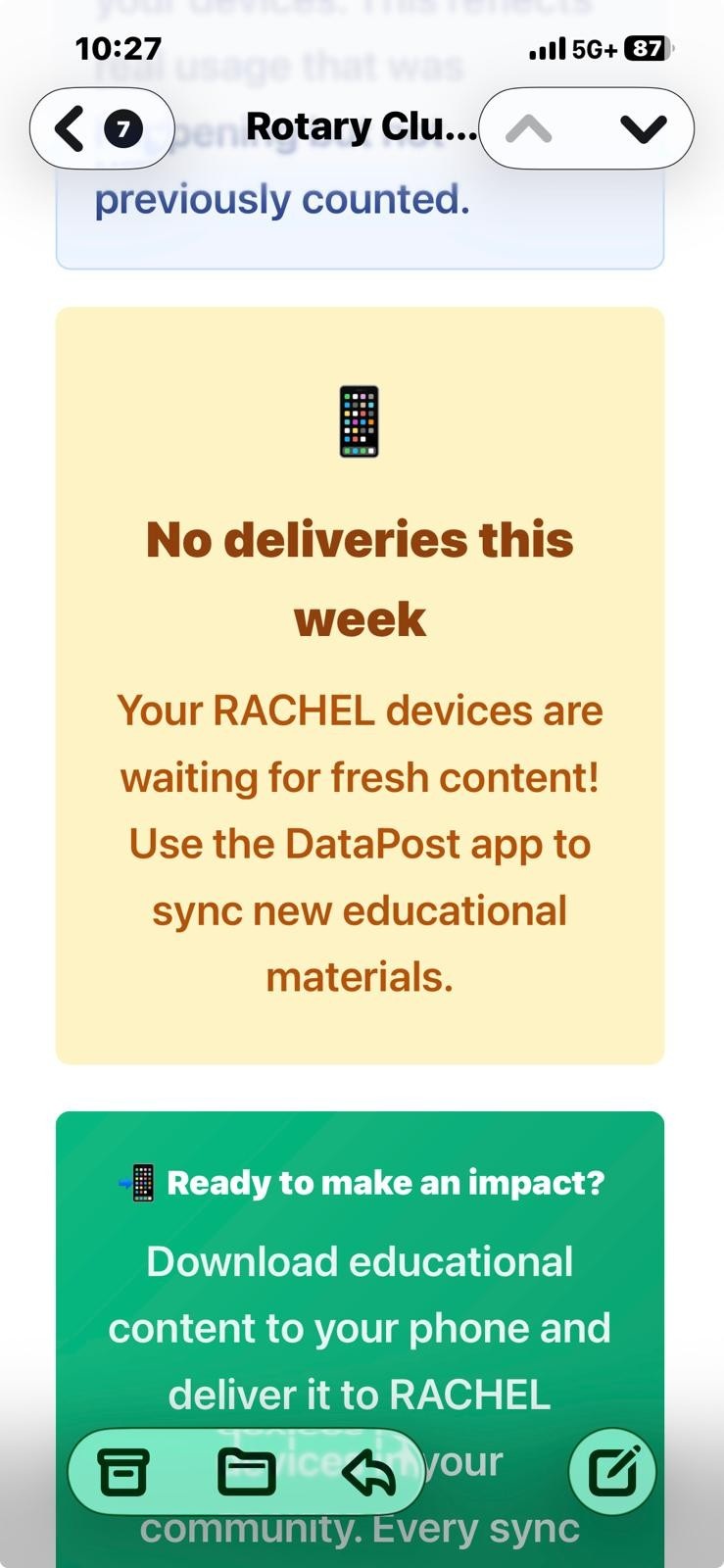
Or maybe to be clearer:
“How do we download new modules to Rachel via datapost?”
thanks!